Limited Photos Access on iPhone: What It Protects
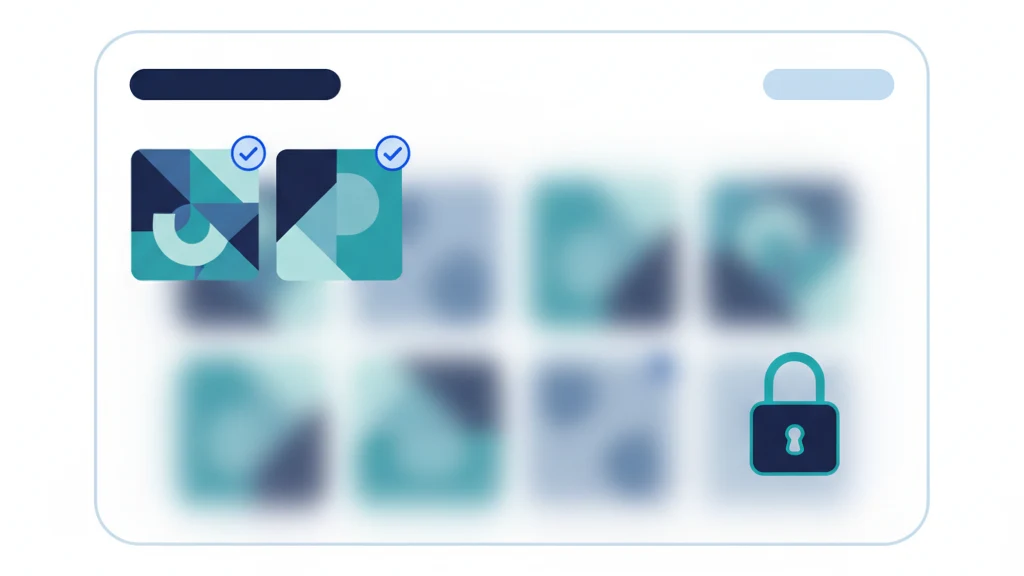
Limited Photos Access lets an app see selected photos instead of your whole library.
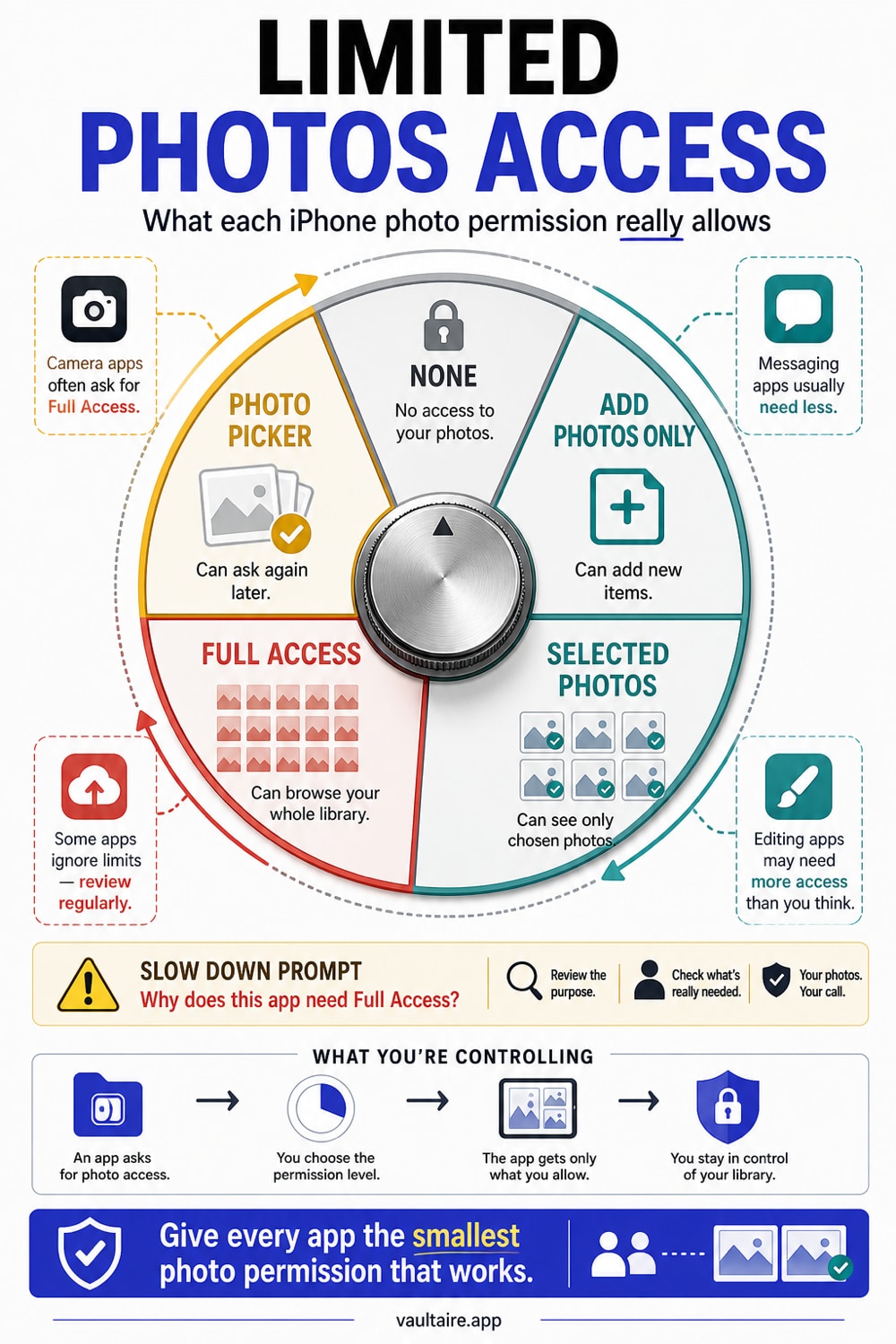
Limited Photos Access lets an app use only the photos and videos you choose instead of your whole library. Choose it for social apps, messaging apps, upload forms, and apps that need one file at a time. Use Full Access only when the app truly needs the entire library.
The permission screen in plain English
Apple's Photos permission system gives you more than yes or no.
| App type | Suggested setting | Why |
|---|---|---|
| Social app | Selected Photos | Upload only the item you choose |
| Messaging app | Selected Photos or picker | Avoid library-wide access |
| Photo backup app | Full Access | Needs the whole library to back up |
| Scanner app | Add Photos Only or None | It should not need old photos |
| Vault app | Depends on import model | Prefer picker or selected imports |
Limited access works best when you know exactly which photo the app needs.
What Selected Photos allows
Selected Photos lets the app read the specific items you approve. The app can keep using those approved items until you remove access.
It does not give the app permission to browse the rest of your library. It can ask you to add more photos later, and iOS may show reminders about limited access.
What Full Access allows
Full Access lets the app read and manage your whole Photos library. That can include old screenshots, Hidden Album items, scans, receipts, private videos, and images you forgot existed.
Full Access is reasonable for backup apps, duplicate cleaners, library managers, and migration tools you trust. It is excessive for a one-time upload.
What Add Photos Only means
Add Photos Only lets an app save new photos or videos to your library without reading existing items. This can fit scanner apps, camera apps, or creation tools that export final images.
If an app only needs to save output, Add Photos Only is cleaner than Full Access.
How to change access for one app
- Open Settings.
- Tap Privacy & Security.
- Tap Photos.
- Tap the app.
- Choose Selected Photos, Add Photos Only, Full Access, or None.
You can also go through Settings > Apps > [App Name] > Photos on newer iOS versions.
Where Limited Photos Access falls short
Limited access can be annoying. Some apps ask for Full Access every time. Some show empty galleries unless you add more photos. Some use confusing language that makes limited access feel like an error.
That does not mean you should grant Full Access by reflex. If the app only needs one image, keep limited access and add items as needed.
Pair limited access with private storage
Limited Photos Access protects the Photos library from overbroad app access. Vaultaire helps with files that should not remain in the Photos library at all.
Move high-risk files into Vaultaire, delete the loose copies from Photos, and keep normal app access focused on normal photos.
How to choose between picker, Selected Photos, and Full Access
Use the system picker when the app only needs one file right now. Use Selected Photos when the app needs to remember a small approved set. Use Full Access only when the app must scan, back up, clean, or manage the whole library.
The difference matters because permissions last. A one-time upload should not become a standing relationship with your camera roll. If an app only needs a single image, the system picker or Selected Photos keeps the permission closer to the task.
Audit prompts that mean "slow down"
Pause before granting Full Access when the app handles dating, finance, health, work chat, marketplace listings, school forms, travel, or identity documents. These categories often sit next to sensitive screenshots and scans in Photos.
Also pause when the app uses vague copy. "For the best experience" is not a privacy reason. A good app can explain why it needs the library and what breaks if you choose limited access.
If you cannot tell, start narrow. The app can ask again. Your job is to make broad access a deliberate choice, not the default.
Related reading:
- Which apps can see your iPhone photos?
- iPhone privacy settings
- Photo vault app guide
- Hide photos from social media apps
- Ease of use
Sources
- Apple Support: Control access to information in apps on iPhone
- Apple Support: See photo and video information on iPhone
FAQ
Is Limited Photos Access the same as the photo picker?
They are related but not identical. Limited access is an app permission. The system photo picker can let you choose a file without giving the app broad library access.
Can an app ask me to add more selected photos?
Yes. Apps can request more selected items. You can approve more or keep the set small.
Should a photo backup app use Limited Photos Access?
Usually no. A backup app needs Full Access if you expect it to back up the whole library.